
What is the Kiip Pro Profile Builder?
The profile builder allows community organizations to assign industry-specific client profile fields on programs to streamline data collection and reporting.
How to Use Profile Builder:
-
Log in to your account using the Kiip Staff Administrator Login.
-
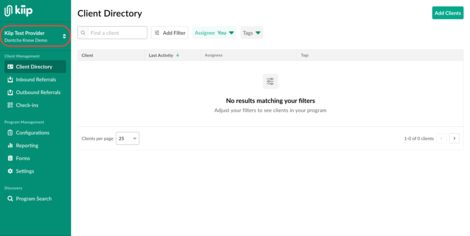
Click on the name of your organization in the top left corner.
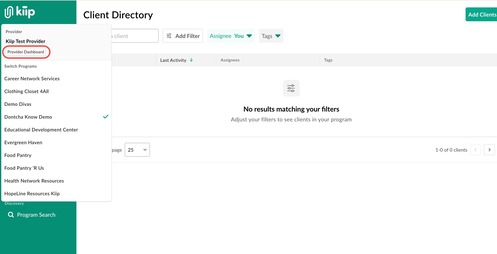
Once the menu is expanded, select 'Provider Dashboard'.
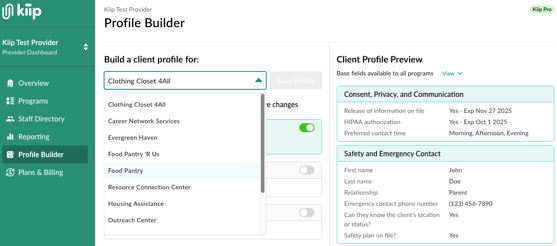
- Select the 'Profile Builder' tab on the left hand side. From here, you can select the program you want to build a client profile for.
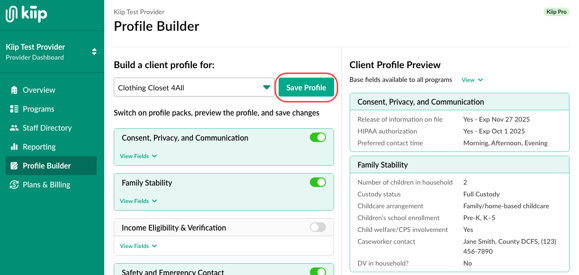
- Toggle on the profile packs needed, preview your updates, and click 'Save Profile'.
Click here for a guide of features exclusively available on Kiip Pro!