
To upgrade your organization's account to Kiip Pro, please complete the following steps:
1) Log in to your account using the Kiip Staff Administrator Login.
2) Click on the name of your organization in the top left corner.
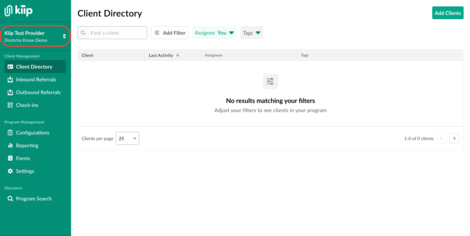
Once the menu is expanded, select "Provider Dashboard".
.jpg?width=497&height=254&name=Zight%202026-10-14%20at%205.57.27%20PM%20(1).jpg)
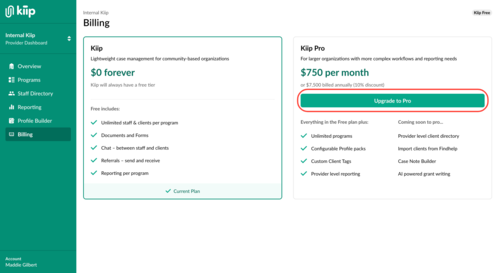
3) Once you are in the provider admin center, select the 'Billing' tab on the left hand side. From this option, you select 'Upgrade to Pro'.
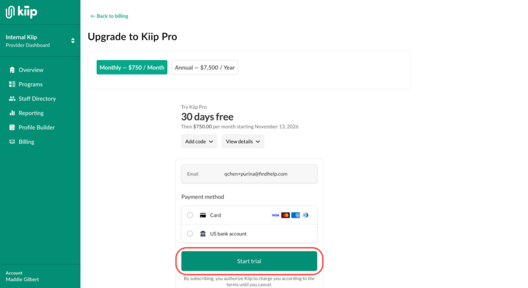
You will be prompted to fill in the billing information and confirm authorization for Kiip to charge the account. The first 30 days of Kiip Pro will be available for free, following this trial the account will begin to be charged. Select 'Start Trial' to enable Kiip Pro.
4) You will see this screen with a successful subscription!

Click here for a guide of features exclusively available on Kiip Pro!